Pixel Perfect
FreeCrop to exact pixels with no scaling. Focus on what matters, with the original sharpness intact.
Features
Free tools for everyday edits. Pro tools when a video needs more. All of it runs on your iPhone.
The everyday edits, free for good. Scans are free too, and Pro applies the edit.
Trim the ends and cut out what you don't need, on one simple timeline.
Zoom or Rectangle crop, and crop points that move with your subject over time.
Crop to exact pixels with no scaling, with the original sharpness intact.
Zero Re-Encoding. Zero Quality Loss. For compatible edits with Lossless Mode enabled.
Your video's own volume, Sound Style and Voice Effect.
See every face, every person, your words and the silences. Pro applies the edit.
Save your project and export your video, including Advanced Options.
Ten tools for the bigger jobs. Try them free for 7 days with Yearly.
Add music, sound effects, your own recording, a file, or an AI voice.
Keep your chosen person in frame, automatically.
Draw, talk, and film yourself as your video plays in real time.
Cut words, fillers and pauses by tapping your transcript.
Blur or cover selected faces automatically: blur, pixelate, or an emoji cover.
Titles and captions on your video.
Automatic subtitles, made on your iPhone.
Stabilize, sharpen, brighten and clean up your picture, with Super Resolution and Low-Light Enhance.
Remove noise and make voices clear with Voice Enhance.
Find the pauses and take them out.
Two free tools for anyone who cares about every pixel.
Crop to exact pixels with no scaling. Focus on what matters, with the original sharpness intact.
Zero Re-Encoding. Zero Quality Loss.
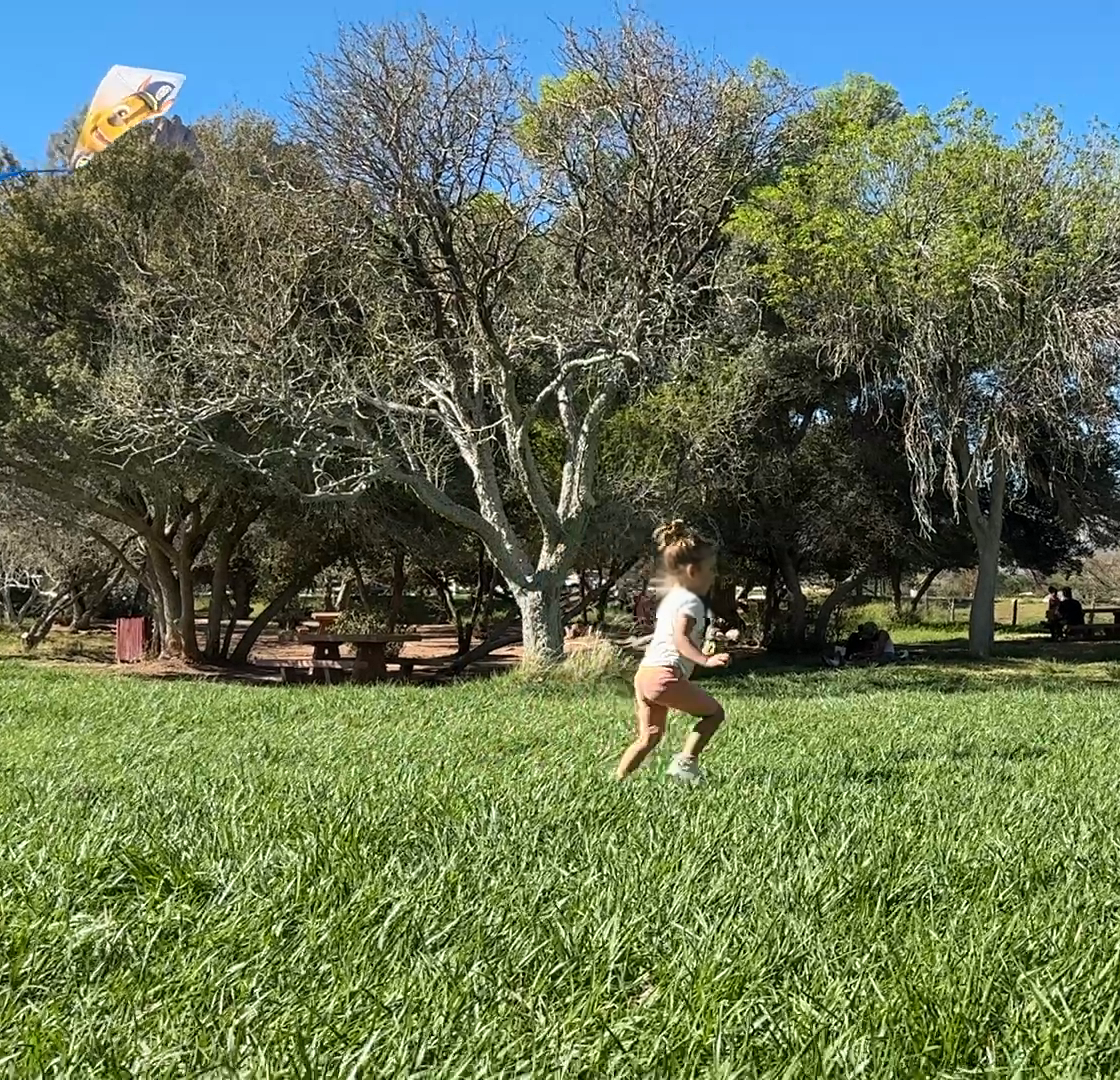
Original Video Data Preserved.
For compatible edits with Lossless Mode enabled.
Private by Design
Enhance, follow, blur, and edit with AI that runs entirely on your iPhone. Your videos are never uploaded.
No editing experience needed. SimpleClip shows you around from the first open.
On first open, tell SimpleClip how much editing you have done.
The first time you open SimpleClip, a short tour points out each part of the editor, starting with Add Videos.
Every tool has its own Help page, one tap away.